Pocket JLPT vs Anki for JLPT practice
Choose Pocket JLPT if you want to start practicing without building or choosing a flashcard deck. Your N5–N1 vocabulary and grammar sessions are ready, with answer explanations and focused review of weak areas. It’s an easy way to fit Japanese practice into a few spare minutes.
Your next session’s ready to go.
Choose your JLPT level and start answering. Pocket JLPT brings the questions, explanations, and next steps together, so you can get straight to practice.
- Ready-made sessions across vocabulary and grammar
- Explanations included with every question
- Progress and weak-area practice in the same app

Three free starter sessions at every level. Subscribe for more practice in the app.
Try the questions in your browser →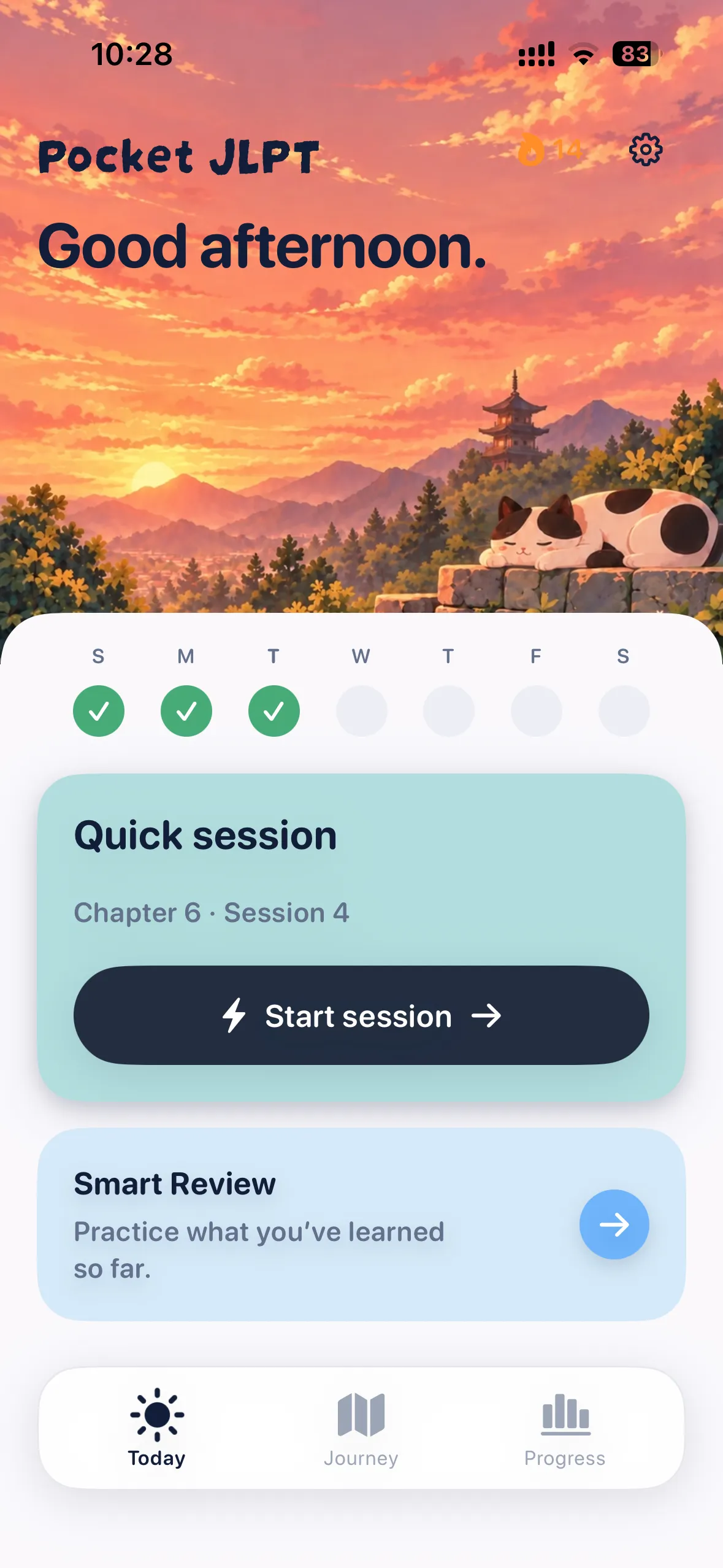
| Decision | Pocket JLPT | Anki |
|---|---|---|
| Getting started | Choose N5–N1 and begin an included session | Choose a shared deck or create your own cards |
| Practice format | Questions with answer choices and included explanations | Flashcards whose content and format depend on the deck |
| A reason to choose it | You want guided practice ready to use | You want control over the cards you study |
Start practicing without preparing a deck
Anki gives you control over your own and shared flashcard decks. Pocket JLPT gives you a ready-made practice path: choose your level, follow your Journey, and return to the words and grammar that need attention.
If your goal is to spend today’s study time answering questions, Pocket JLPT makes getting started straightforward.
Understand the answer in context
A Pocket JLPT question asks you to choose the word, reading, or grammar that fits. The explanation shows why the answer fits, so you can learn something useful from each mistake.
Every question is reviewed by a native Japanese speaker before it goes into the app. Try the free questions to see the format and explanations for yourself.
Keep your routine in one place
Follow guided sessions, revisit weak areas, and see your completed practice, study time, and confidence. Practice works offline on iPhone and iPad without a Pocket JLPT account.
Anki remains useful if you want to make cards from your own reading or customize your review material. If you already use it, Pocket JLPT can add ready-made vocabulary and grammar questions to your routine.
Try Pocket JLPT before subscribing
Three starter sessions at every level are free. A subscription unlocks more practice in the app. The browser exercises also let you try the format without an account.
Anki’s desktop application and AnkiWeb sync are free. Its official iOS app, AnkiMobile, is a separate purchase; AnkiDroid is the Android option. Use the official links below to check current access.
Make your next session Pocket JLPT.
Choose your level and try three free starter sessions. iPhone & iPad.
Sources
Written by the Pocket JLPT team using published product details. This is a feature comparison, with sources linked above.
Features and access can change. Check each provider’s current offers. Pocket JLPT is independent of the JLPT organizers.