How can I practice JLPT questions offline?
Pocket JLPT supports offline vocabulary and grammar practice on iPhone and iPad without a Pocket JLPT account. Install the app while connected, try a starter session, then check your study setup in airplane mode before relying on it during a trip.
What works without a connection?
The app’s vocabulary and grammar practice and local progress are available offline. Optional iCloud sync needs connectivity to exchange progress between devices. Downloading the app, purchasing, and restoring subscriptions also need a connection; set those up before you leave.
Before your commute or flight
- Install Pocket JLPT and choose your JLPT level.
- Try one of the three free starter sessions at that level. If you subscribe, complete the purchase while connected.
- Enable airplane mode and open the app again to check the session you intend to study.
- If you want a paper backup, obtain and open a practice PDF while connected.
Can I use the website offline?
Use the app for offline sessions. You’ll need a connection to load the browser exercises. For paper practice, prepare a downloaded PDF and its answer section before disconnecting.
What else should I prepare?
These sessions practice vocabulary and grammar. If you plan to study listening or longer reading on the trip, prepare those materials separately. Do not rely on a quiz score as an exam-readiness prediction.
Keep practicing with Pocket JLPT
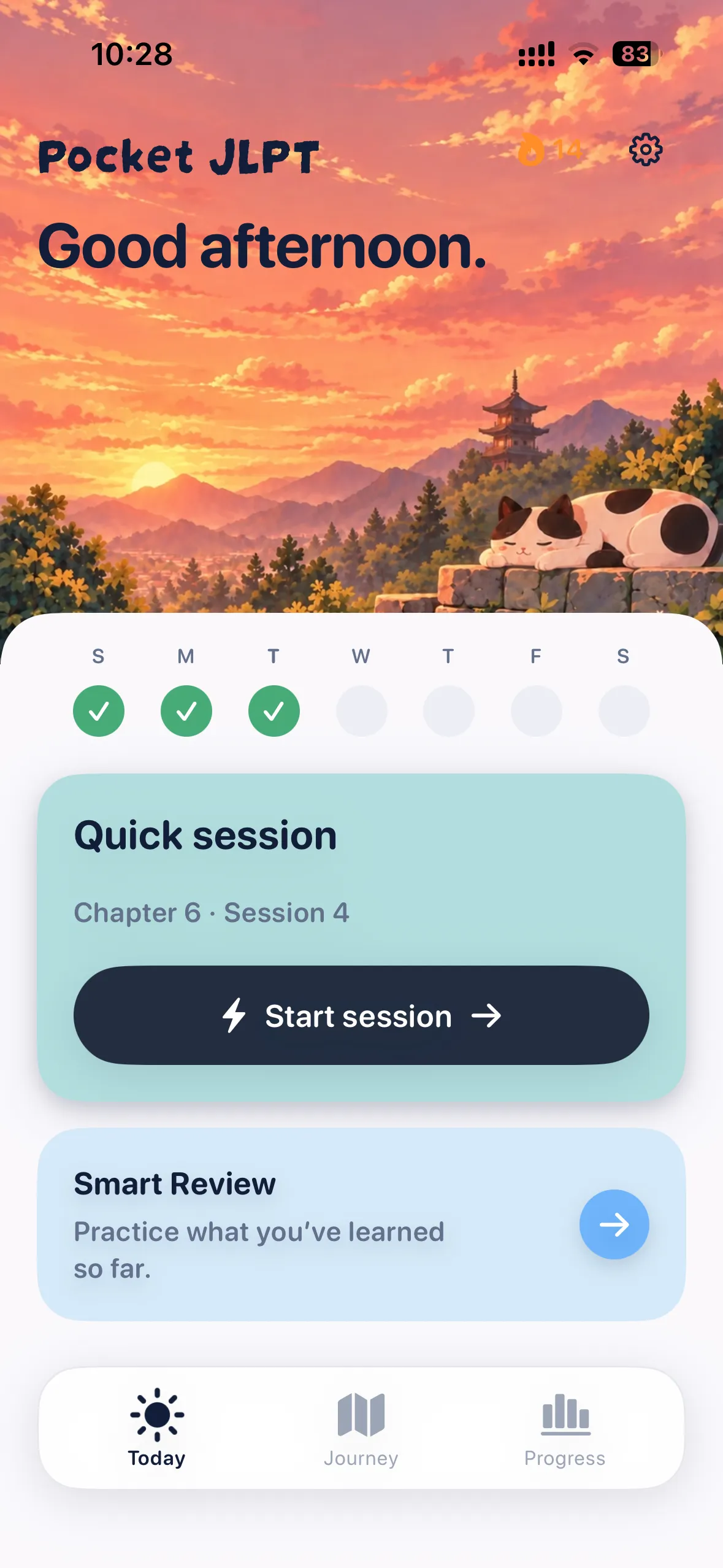
Make your next session part of a daily habit.
Know what to practice next.
Follow guided vocabulary and grammar sessions at your level.
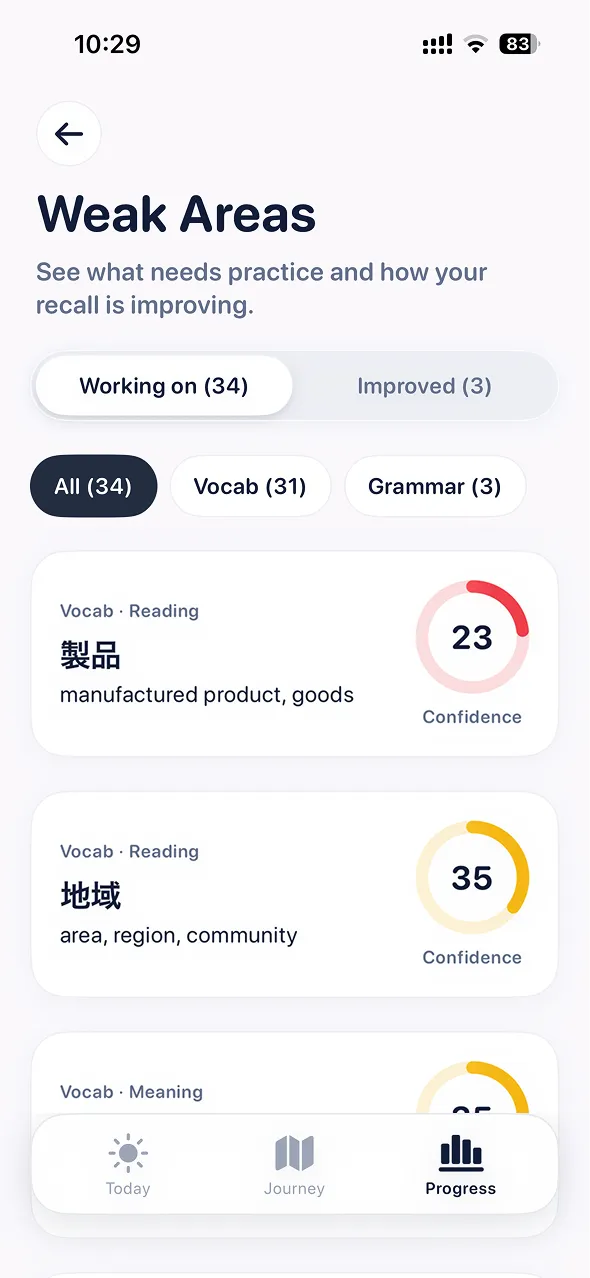
Work on your weak areas.
Read explanations and revisit the words and grammar you missed.
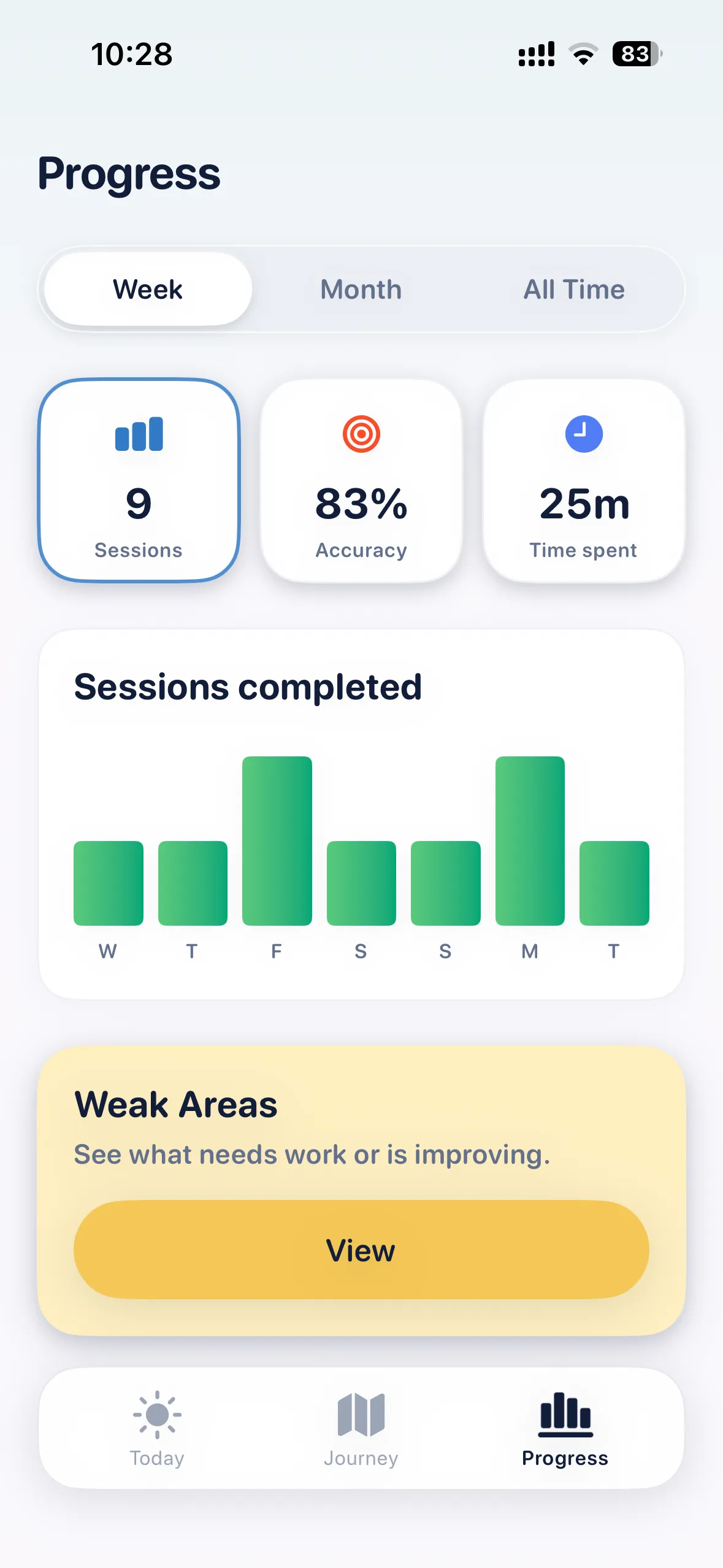
See your progress.
Track completed sessions, study time, and confidence.

Three free starter sessions at every level. iPhone & iPad.
Sources
Features and access can change. Check each provider’s current offers. Pocket JLPT is independent of the JLPT organizers.